




OVERVIEW
Applications
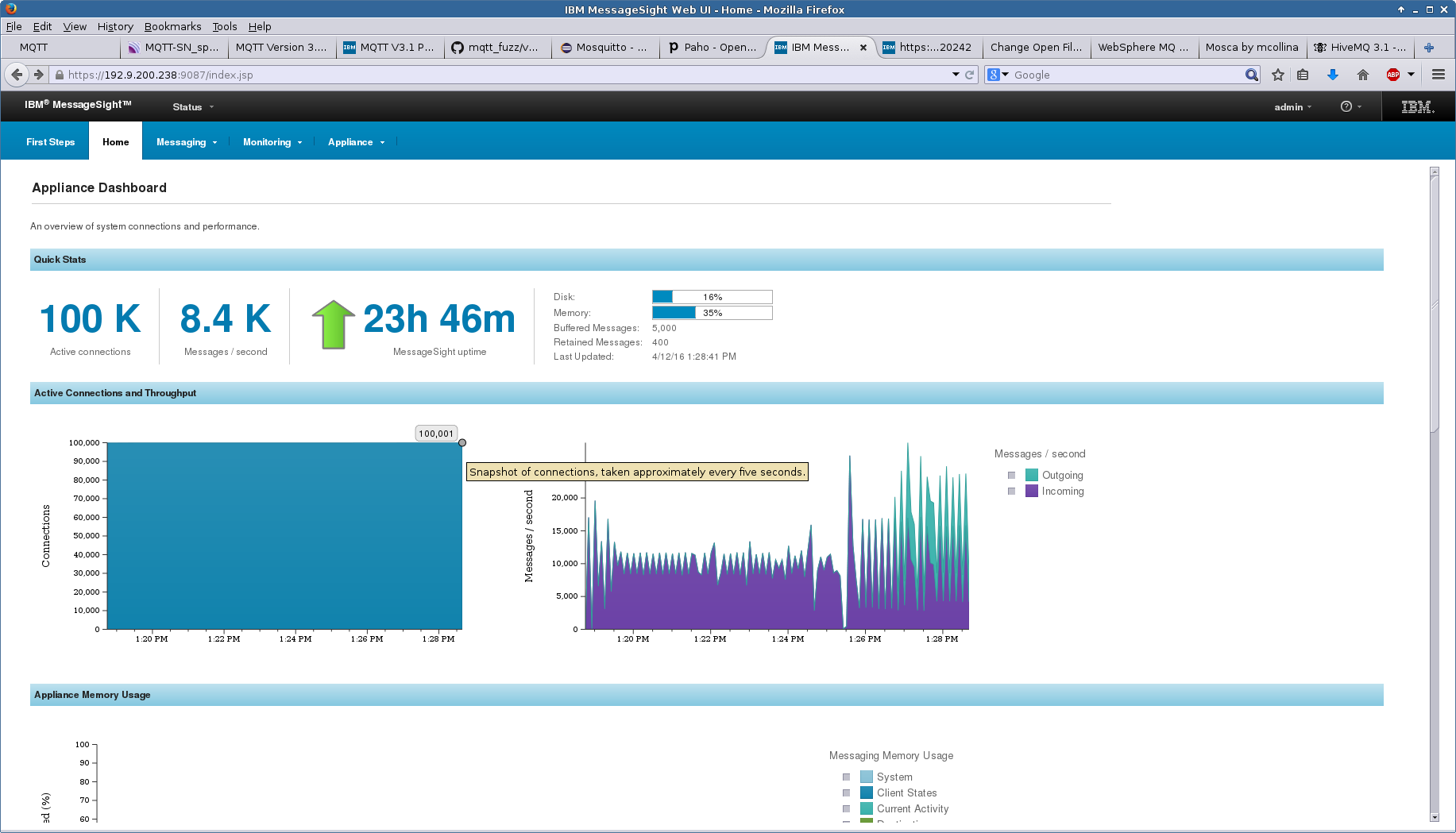
IBM MessageSight with 100k connections
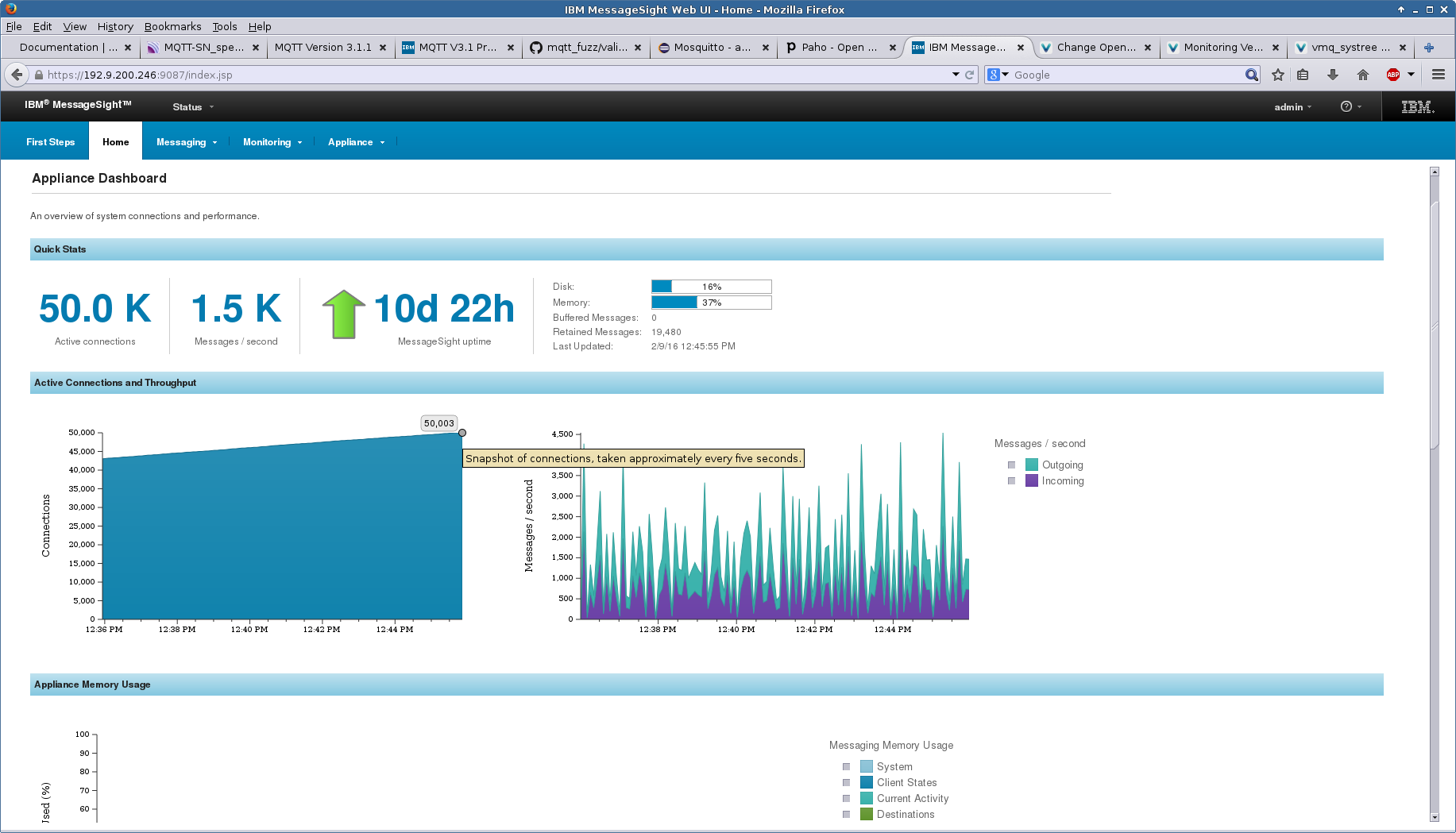
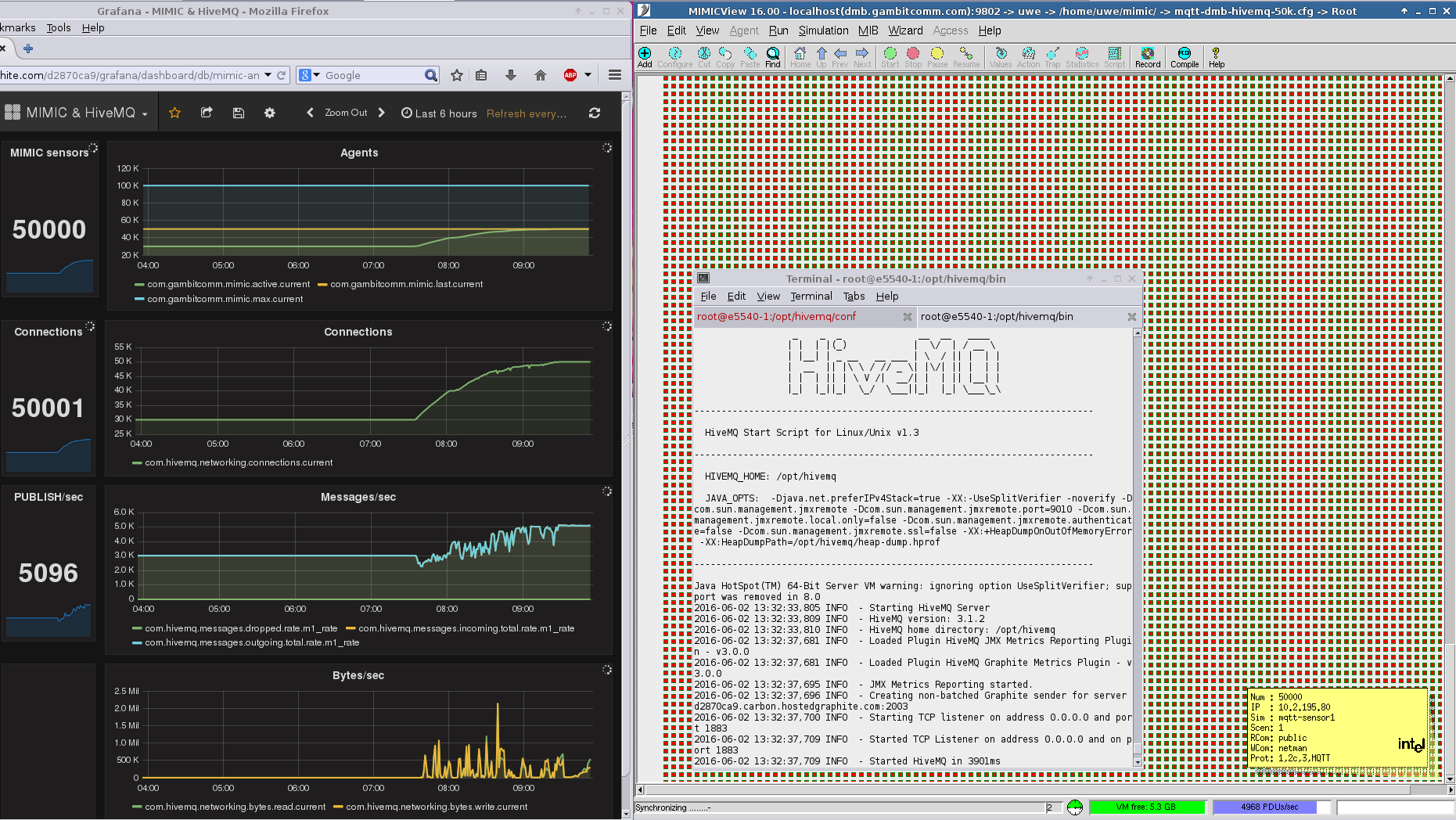
HiveMQ with 50k connections
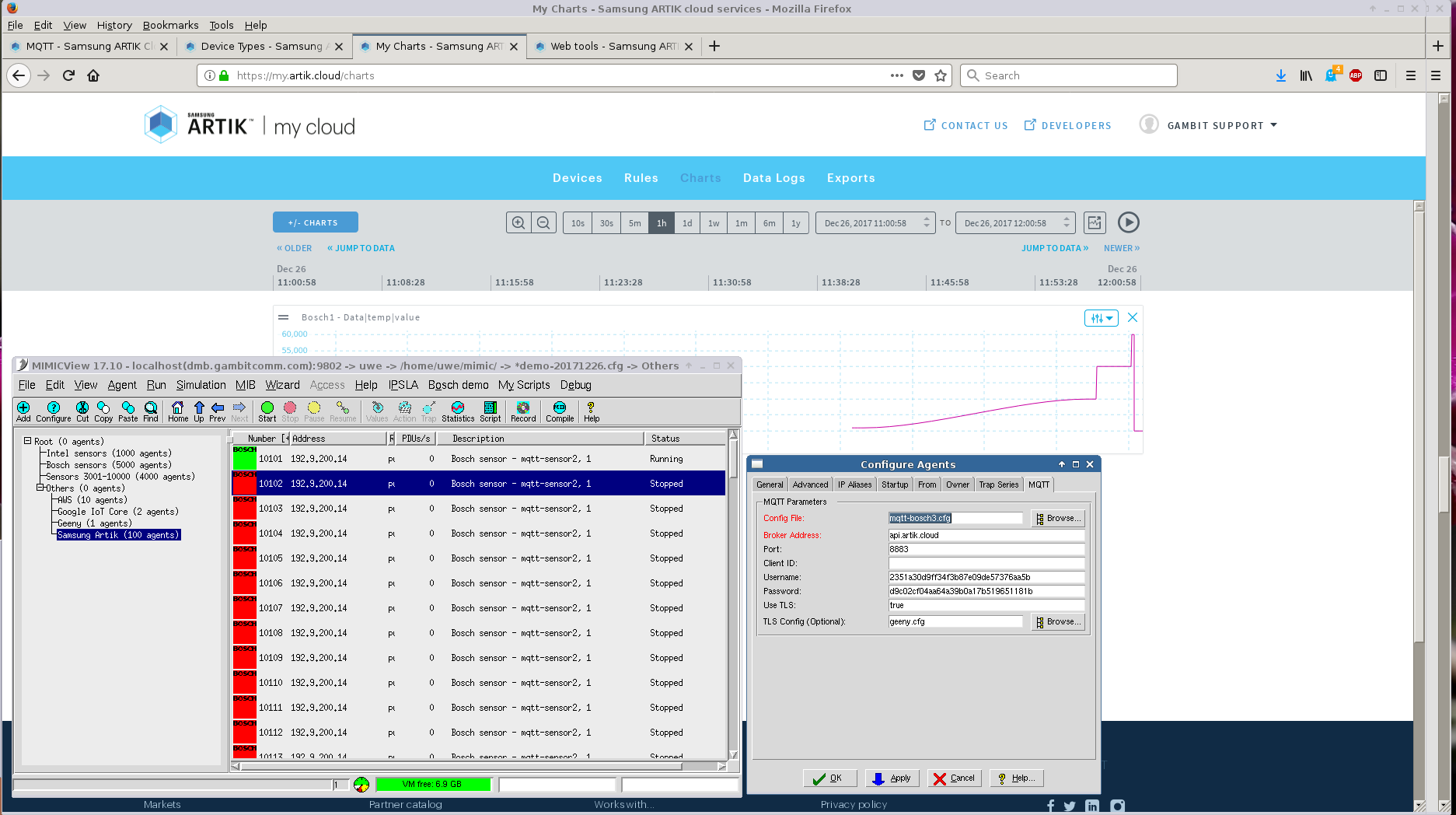
Samsung Artik - Dynamic graphs
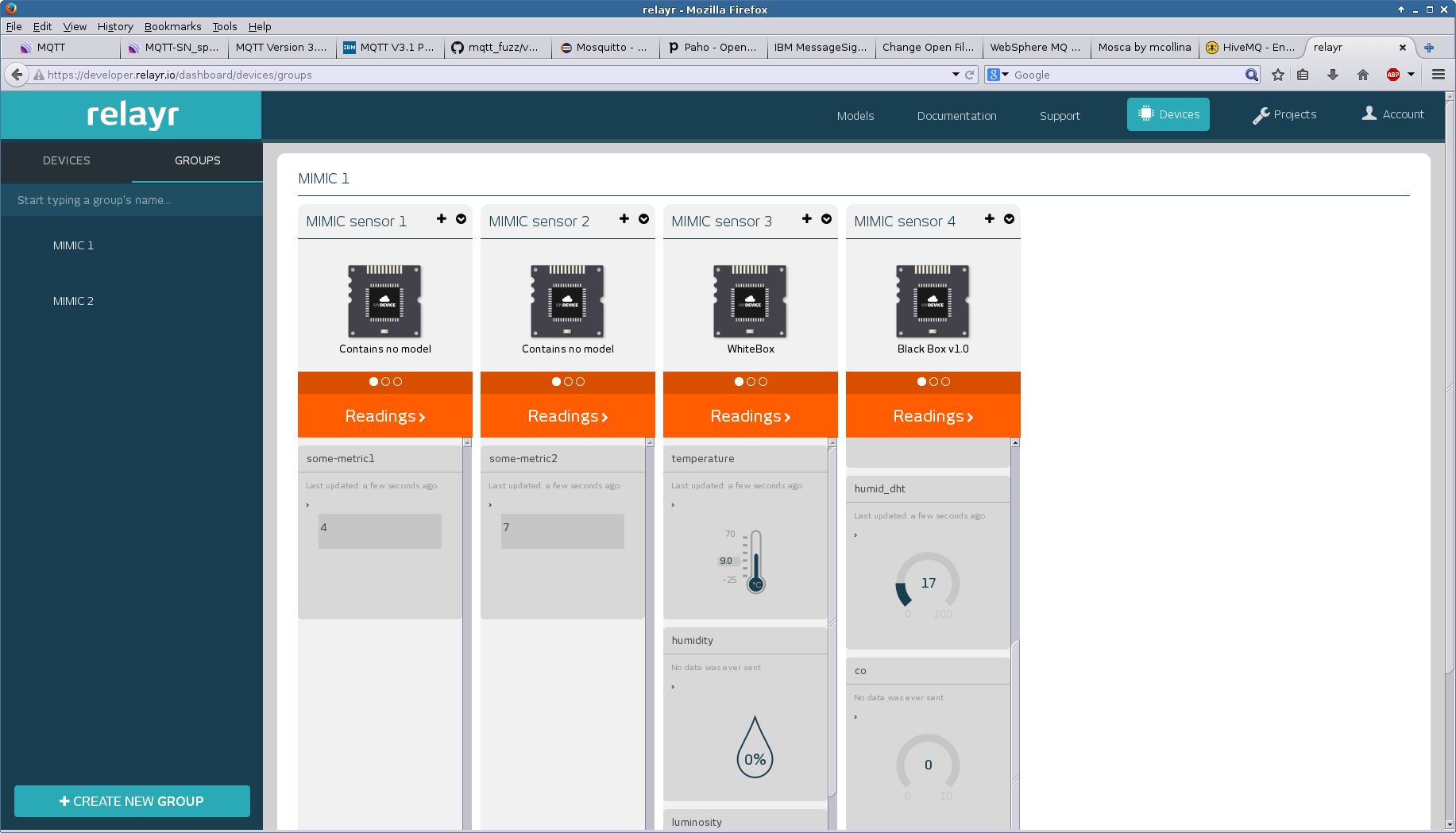
RelayR - Managing different types of sensors
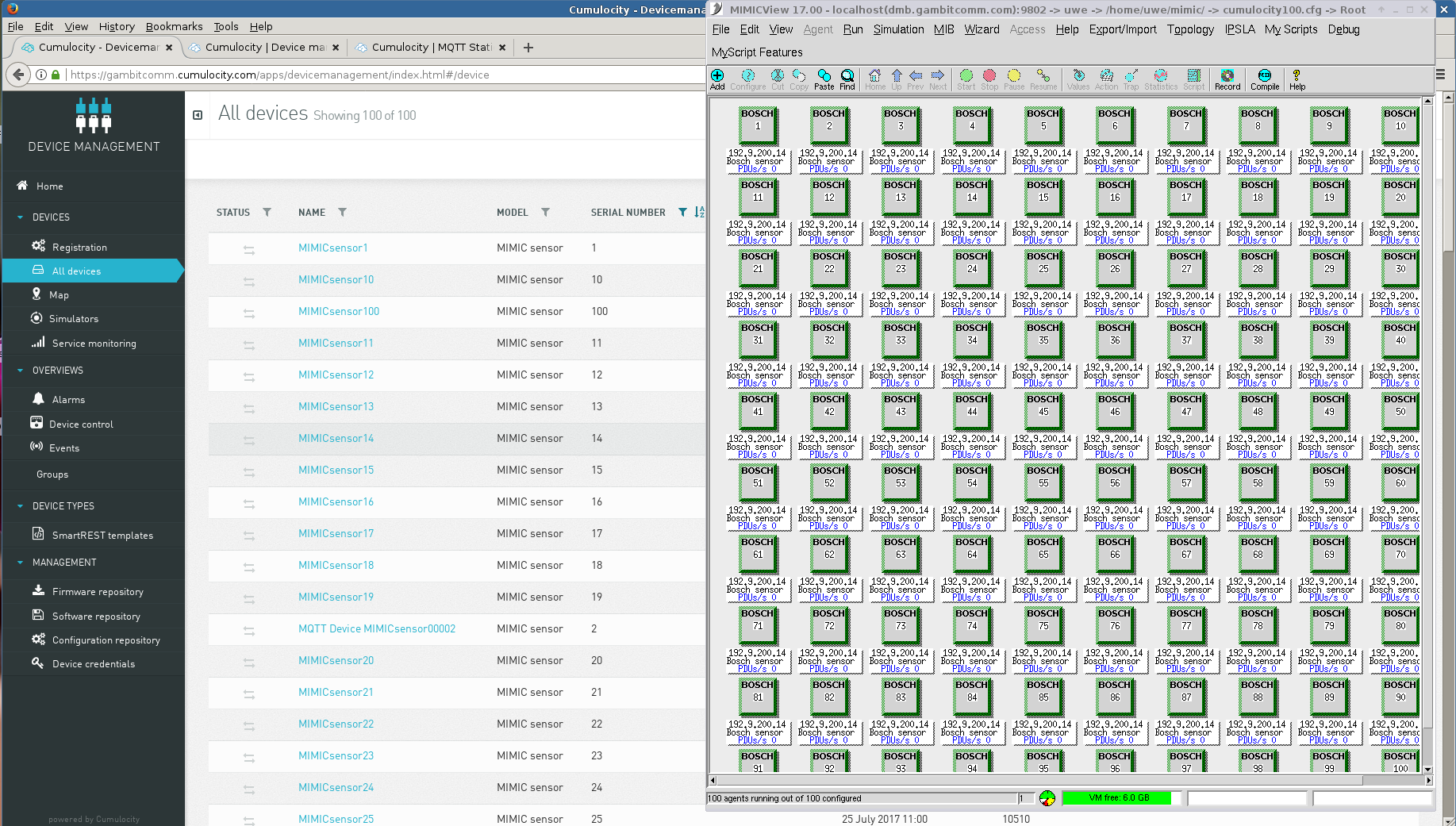
Cumulocity with 100 connections
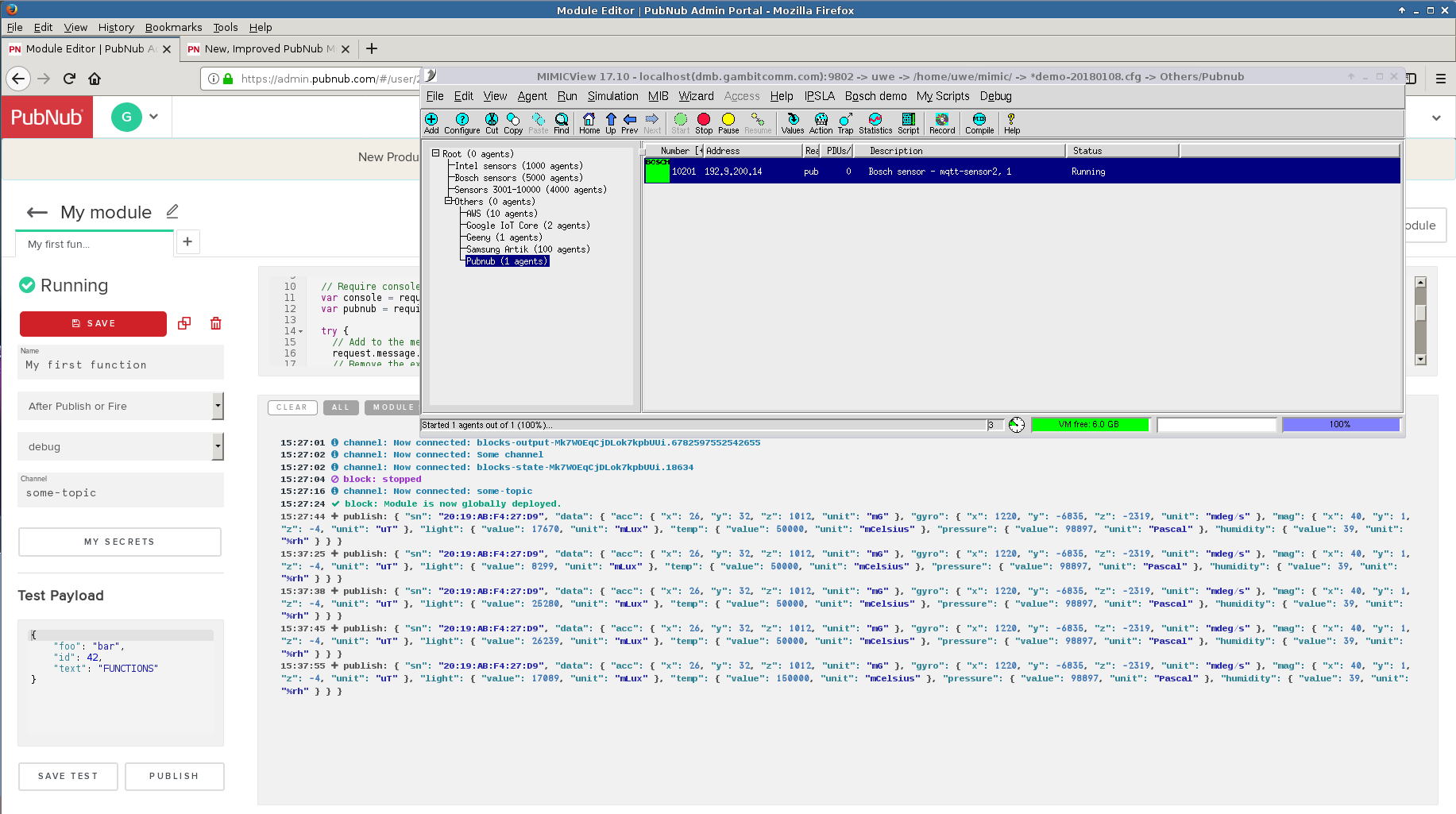
Pubnub - Dynamic graphs
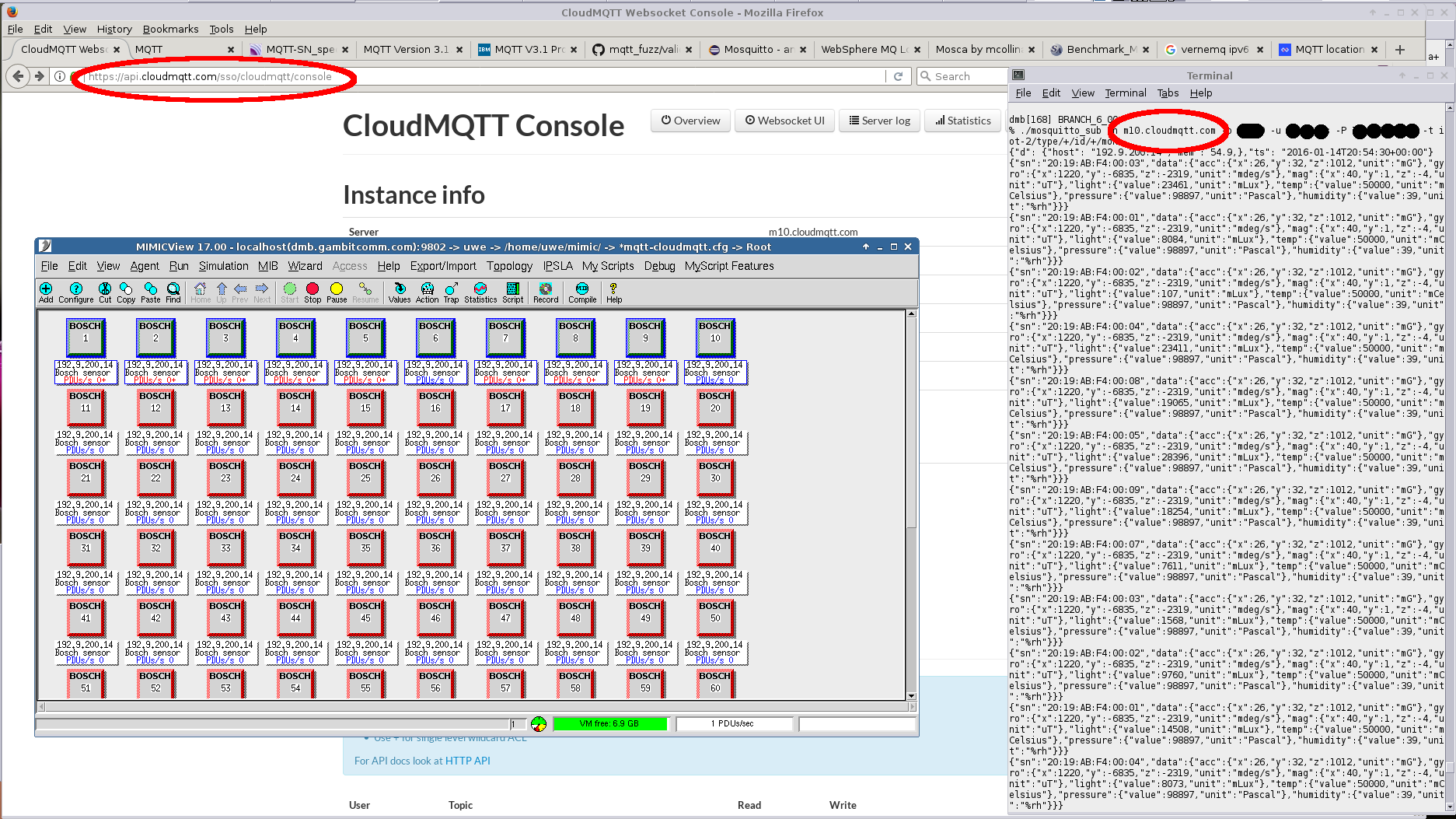
CloudMQTT
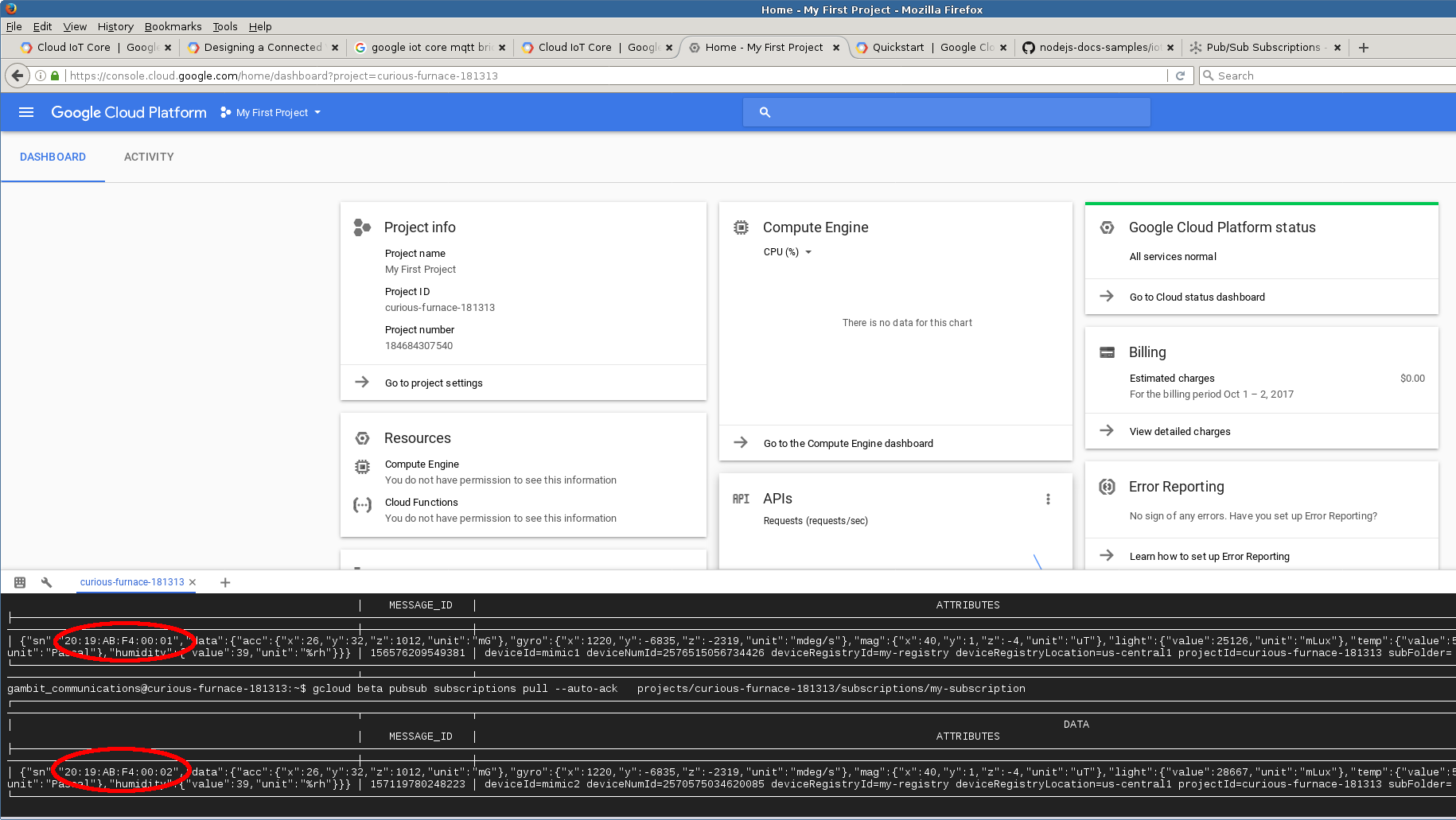
Google IoT
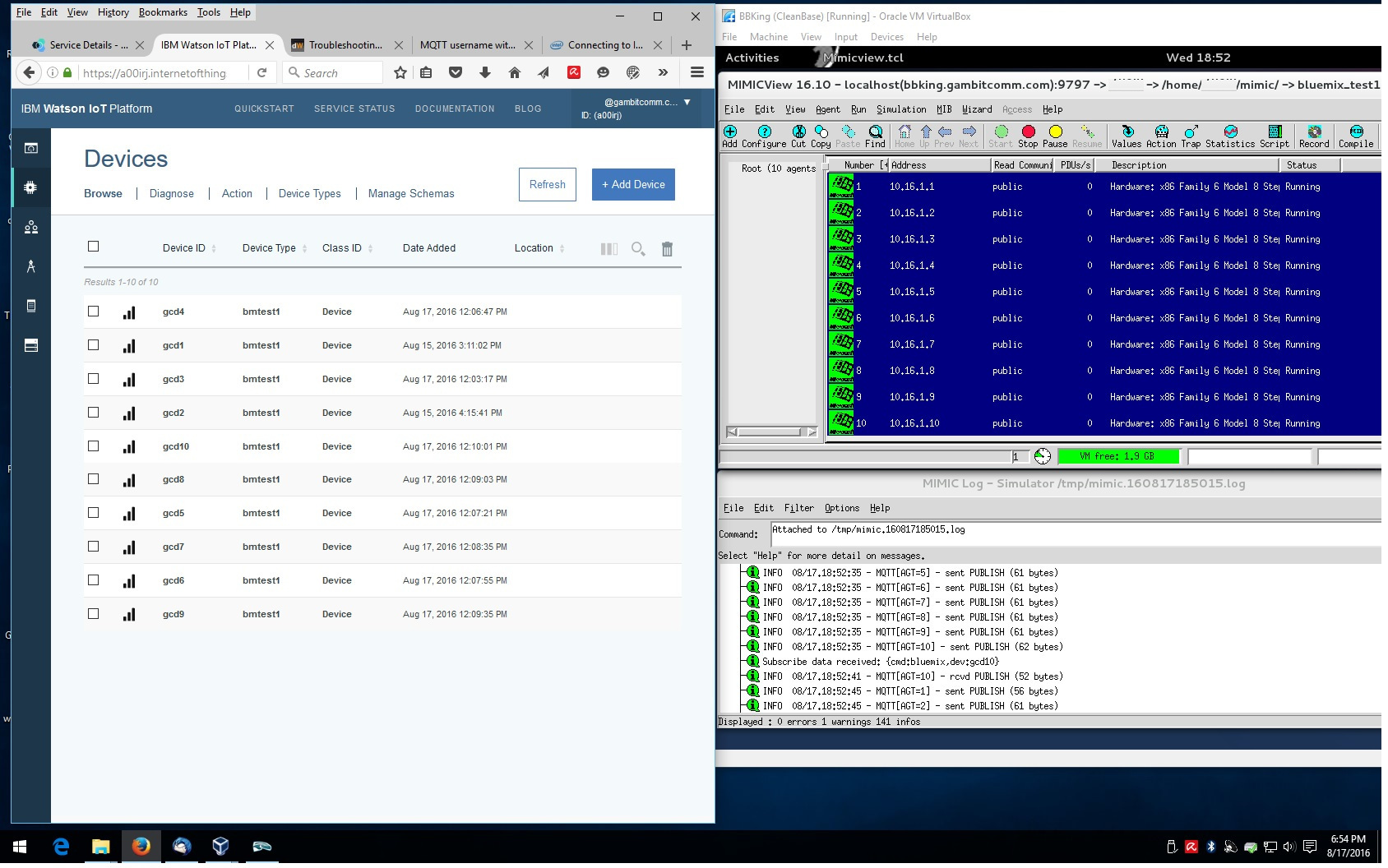
IBM Bluemix
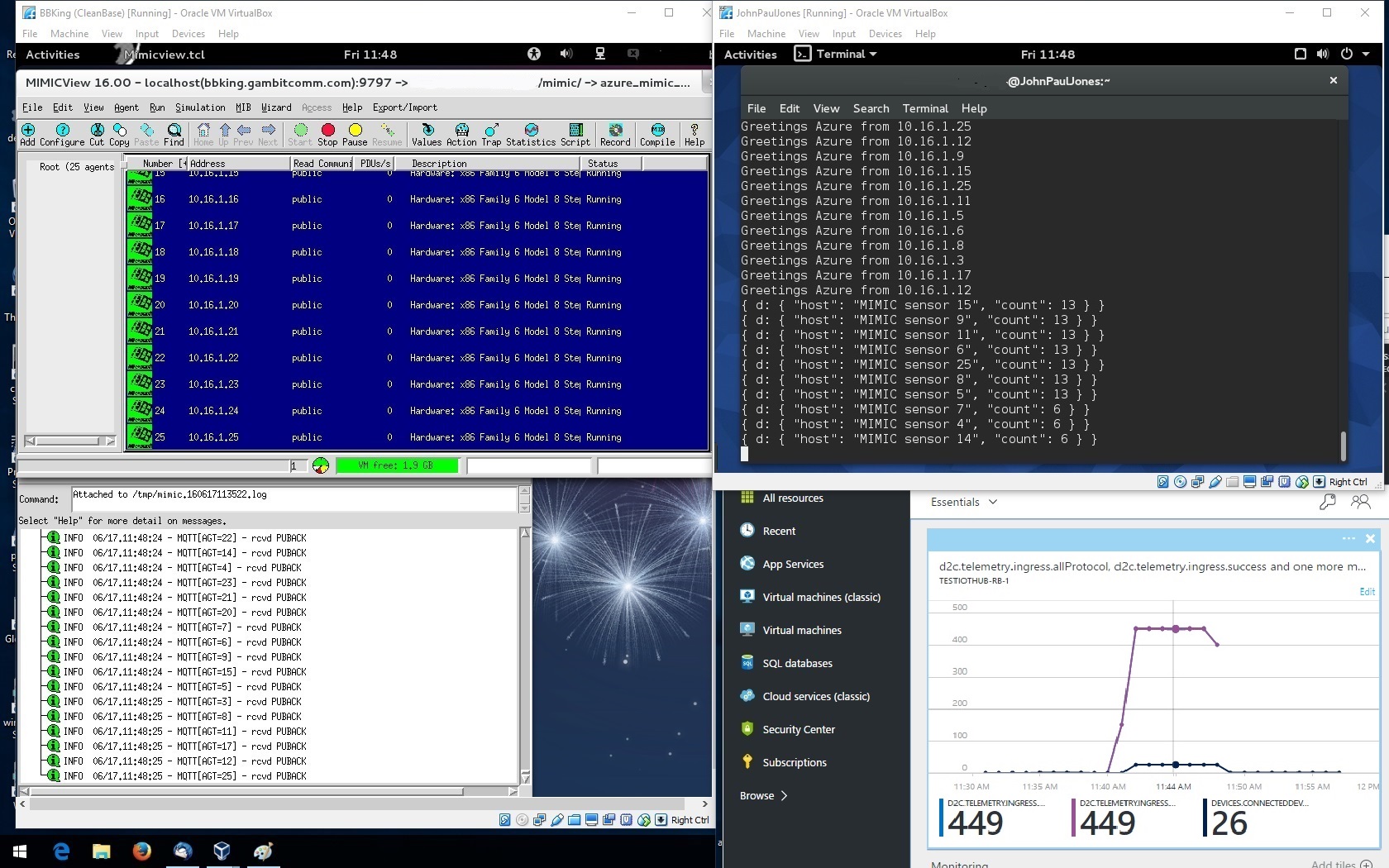
MS Azure
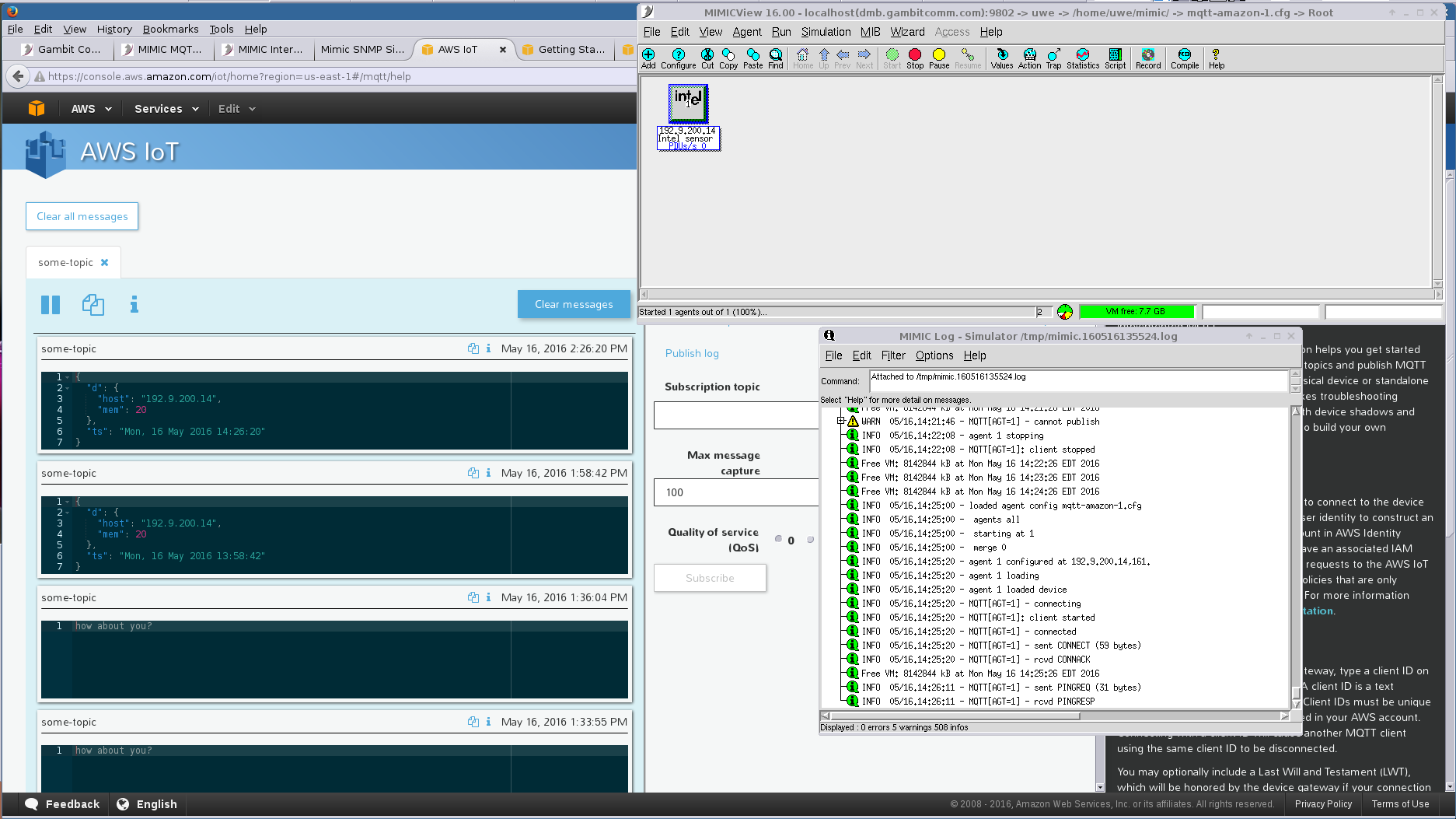
AWS IoT
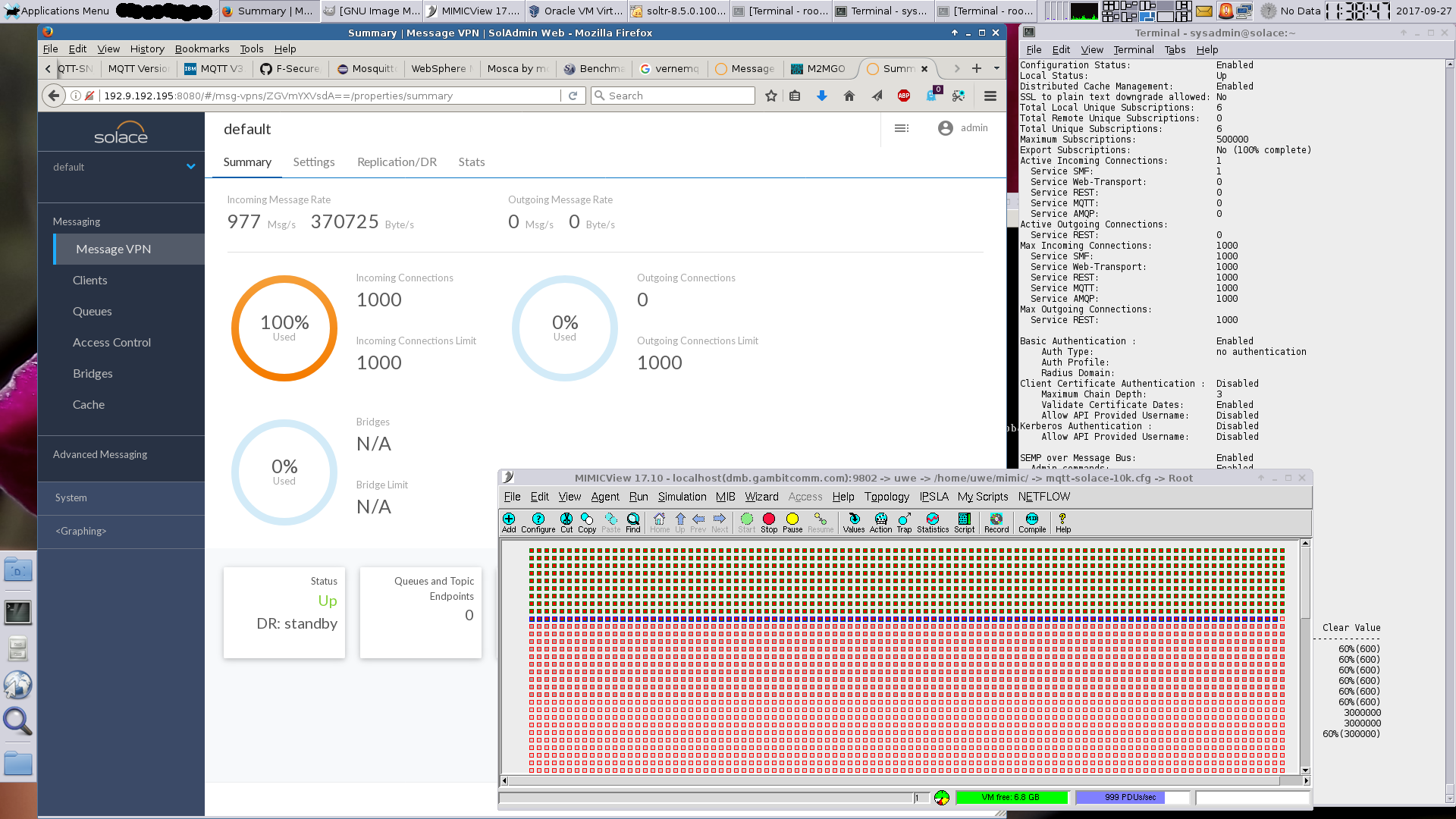
Solace
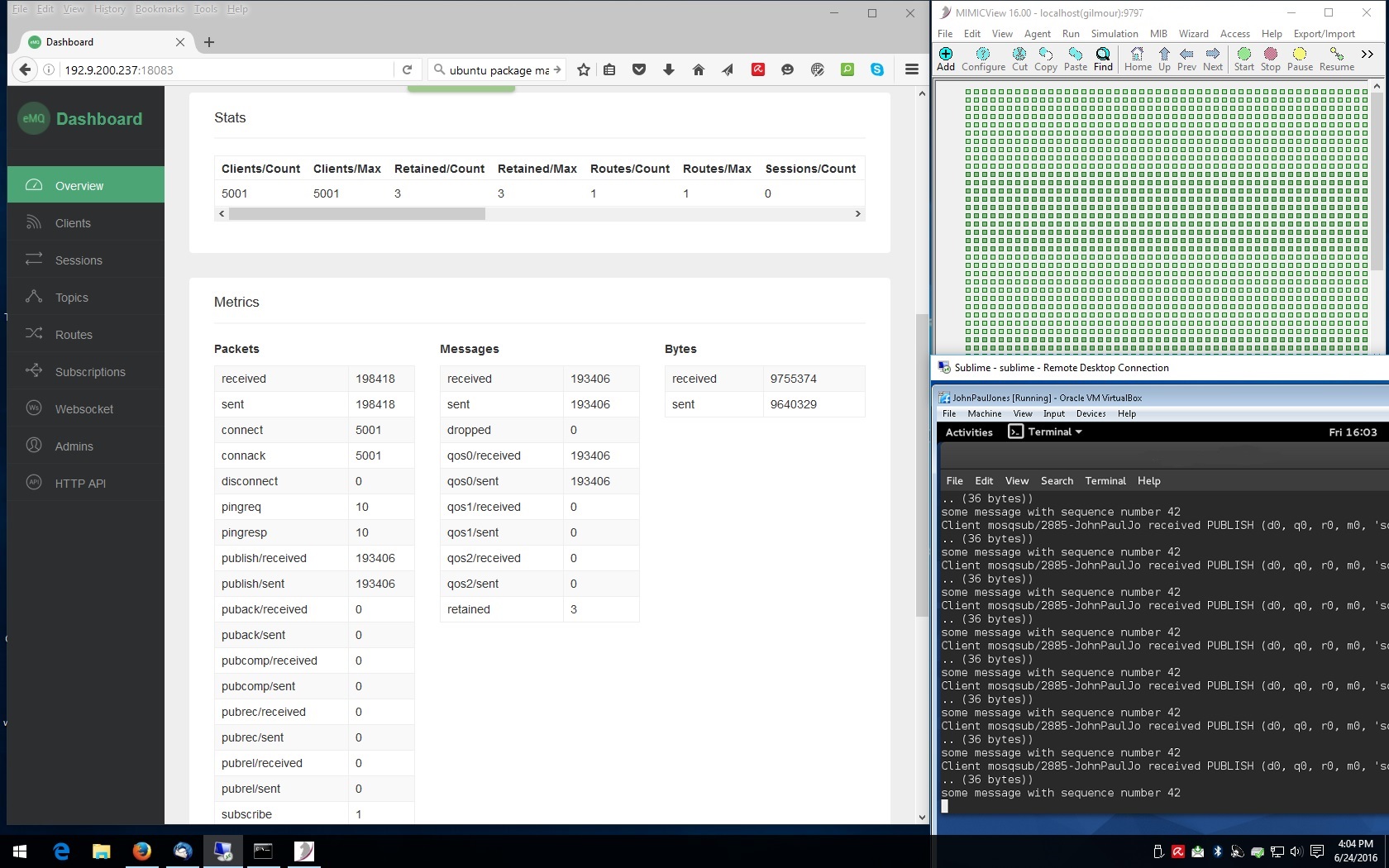
EMQTT
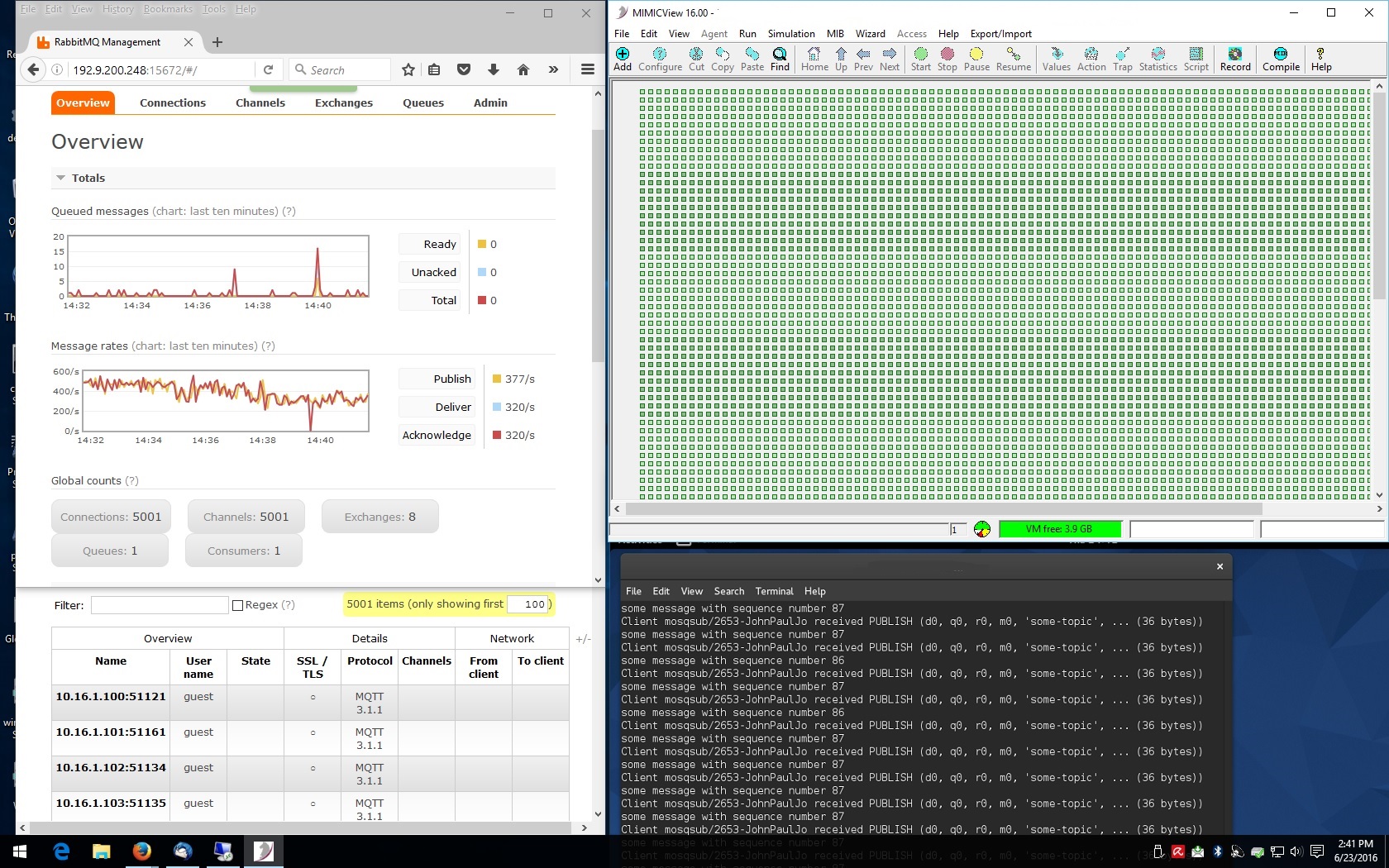
RabbitMQ
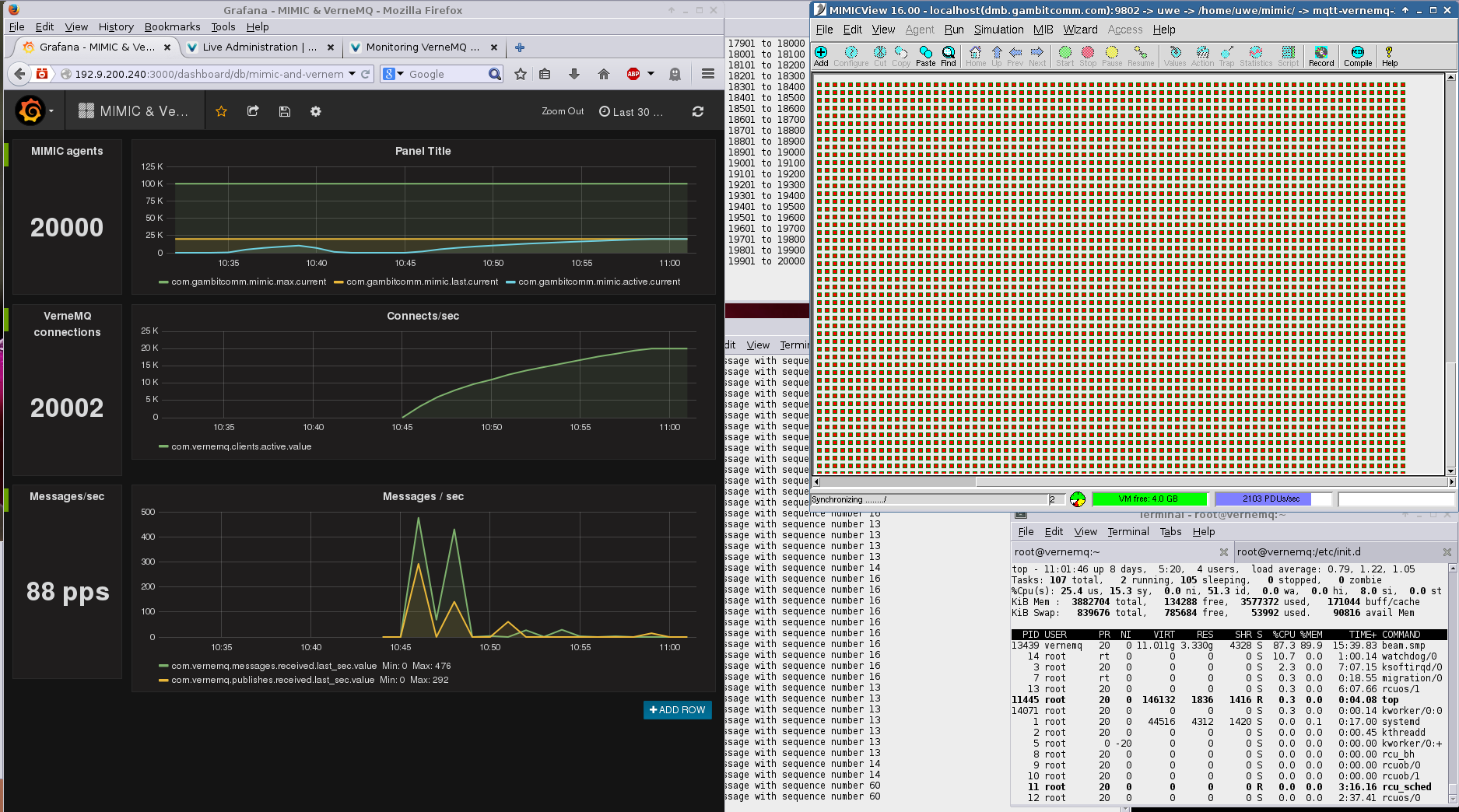
VerneMQ
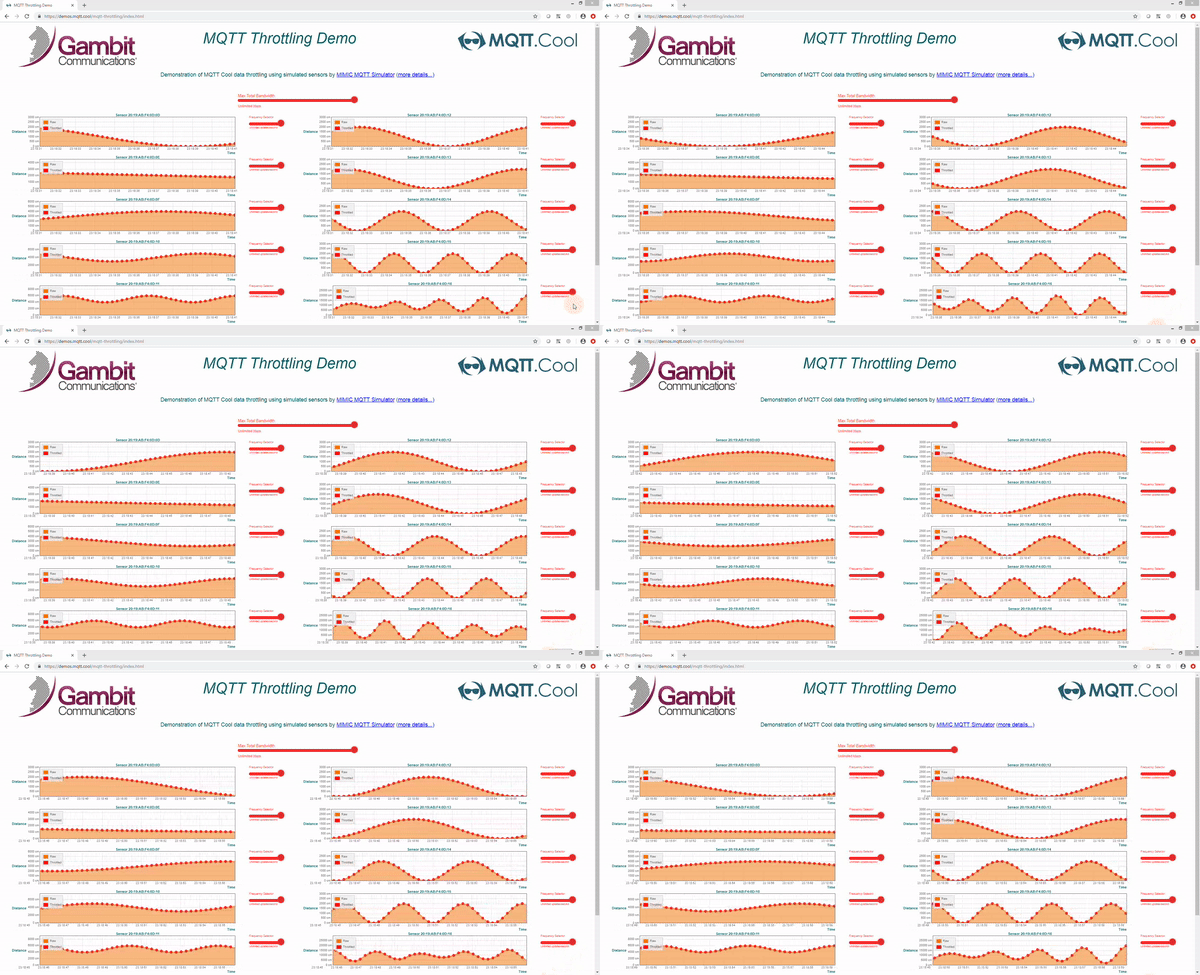 MIMIC MQTT Simulator creates a lab of up to 100,000 simulated MQTT
sensors, gateways and devices. Each one is a real MQTT client with its own
client ID, credentials and, if you want, its own IP address, publishing and
subscribing to your broker or IoT platform. Use it to load test brokers,
develop and demo IoT applications, and train teams without buying hardware.
MIMIC MQTT Simulator creates a lab of up to 100,000 simulated MQTT
sensors, gateways and devices. Each one is a real MQTT client with its own
client ID, credentials and, if you want, its own IP address, publishing and
subscribing to your broker or IoT platform. Use it to load test brokers,
develop and demo IoT applications, and train teams without buying hardware.
Try it now, free and without registration, in an online MQTT lab.
What MIMIC MQTT Simulator simulates
MQTT is a light-weight publish and subscribe protocol over TCP/IP for the Internet of Things, designed for small code footprints and limited bandwidth; a message broker delivers each message to the clients subscribed to its topic. MIMIC simulates the clients, at scale.
- Publishers and subscribers. Every simulated device can publish to many topics, subscribe to many topics including wildcards, or both.
- MQTT 3.1.1 and MQTT 5.0, chosen per device, including MQTT 5 CONNECT and PUBLISH properties.
- Secure connections to brokers, MQTT gateways, load balancers and clients, with TLS 1.1, 1.2 and 1.3, user name and password, OAuth 2.0 or JSON Web Tokens (JWT).
- QoS levels, retained messages and Last Will, connect and reconnect behaviour.
- Any payload: ASCII, JSON or binary, stateless or stateful, including the Sparkplug B, SmartREST, LWM2M-MQTT and TR50 formats.
- A different IP address for every device, as on a LAN at the edge, or thousands behind one address, as behind NAT.
- Faulty and hostile devices: messages of varying length and frequency, malicious content to test security, and a faulty sensor network to test how robust your subscribers are.
- Recording: capture real sensors with the mqttrec proxy, or from a packet capture, and replay them at scale.
MQTT broker load testing at scale
Gambit has published these tests of MIMIC simulated sensors against MQTT brokers:
| Broker | Simulated connections |
|---|---|
| IBM MessageSight | 100,000, about 10,000 messages per second |
| HiveMQ | 50,000 |
| VerneMQ | 20,000 |
| Eclipse Amlen | 10,000 sensors |
| EMQTT (EMQX) | 5,000 |
| RabbitMQ | 5,000 over TLS |
| Solace VMR | 1,000 |
MIMIC also measures end-to-end MQTT latency, from the moment a simulated sensor publishes to the moment your subscriber receives it. Try it in the MQTT latency lab.
Works with your IoT platform
 Gambit documents MIMIC with
more than 50 MQTT brokers and IoT platforms.
Each platform below has a ready lab with a step-by-step tutorial:
Gambit documents MIMIC with
more than 50 MQTT brokers and IoT platforms.
Each platform below has a ready lab with a step-by-step tutorial:
- Amazon AWS IoT Core: simulated sensors publish JSON telemetry to your AWS account in 15 minutes; a replacement for the deprecated AWS IoT Device Simulator solution
- Microsoft Azure IoT Hub
- Cumulocity IoT, free demo
- Losant, free demo
- Ubidots, free demo
- TagoIO, free demo
- Sparkplug applications, free demo
- Eclipse Hono, free demo
On premises and at the edge it works with Mosquitto, HiveMQ, EMQTT (EMQX), VerneMQ, RabbitMQ, Ignition, ThingWorx, Node-RED, Amazon Greengrass and more.
Industrial IoT, Sparkplug B and the Unified Namespace
MIMIC implements Sparkplug B, the Industrial IoT standard used by the Ignition MQTT Edge module, including the state machine every connecting device has to support. Simulated EON nodes and their devices publish Sparkplug metrics to your broker exactly as real ones do, so you can fill a Unified Namespace with realistic device data before any hardware exists. Try the free Sparkplug lab.
MIMIC MQTT Simulator applies to these publish/subscribe areas: Industrial IoT, IoT smart city, fleet management, asset tracking and the Unified Namespace. The Applications tab below shows a vehicle fleet simulation driving a Losant dashboard, and 10,000 simulated sensors publishing to Eclipse Amlen.
It is designed to reduce the risk of deploying large Internet of Things applications: rapidly prototype alternatives, build a proof of concept that replaces or supplements real devices, and load test many scenarios. IoT application vendors use it to show their customers that their products handle the scale of connections, topics and message types they will meet in heterogeneous environments, and to produce scalability benchmarks for sensors, message volume and topics.
Try the MQTT simulator online
- Free demo lab: 40 simulated Bosch sensors publishing JSON telemetry to four public brokers, no registration or credit card
- Free MQTT 5 lab
- Your own MQTT lab with 10, 100, 1,000 or 10,000 sensors publishing to any internet-accessible broker, rented on AWS Marketplace
- All MQTT labs
Control the simulation while it runs
- Start, stop and change each device individually or in groups, from the GUI, the command line or APIs in Java, C++, Perl, Python, Tcl, PHP and JavaScript
- Change the telemetry of a running sensor and see it in your subscriber in real time
- Scale from 10 sensors in an online lab to 100,000 on your own systems
- Combine MQTT with SNMP simulation of the same device
- Runs on Windows, Linux, AWS, Azure and Google Cloud (details)
MQTT simulator FAQ
How many MQTT devices can MIMIC simulate?
Up to 100,000 MQTT 3.1.1 or 5.0 sensors and devices. Published broker tests range from 1,000 to 100,000 connections (see above).
Does MIMIC work with my MQTT broker?
Yes, if your broker supports MQTT 3.1.1 or 5.0. Configuration notes for more than 50 brokers and platforms, including TLS settings, are in the MQTT compatibility guide.
Is there a free MQTT simulator trial?
Yes, two ways: the online labs are free to try, with no registration; and you can request a free evaluation copy, usually for two weeks, to install on your own systems.
Can MIMIC replace the AWS IoT Device Simulator?
AWS deprecated its IoT Device Simulator solution on 2025-01-29. MIMIC simulates devices that publish to AWS IoT Core, and the AWS IoT Core lab walks through the setup in 15 minutes.
Does it simulate Sparkplug B devices?
Yes: MIMIC implements Sparkplug B, and a free Sparkplug lab shows Sparkplug sensors behind EON nodes publishing to public brokers.
Can I measure MQTT latency?
Yes, end to end, from the simulated publisher through the broker to the subscriber, as in the MQTT latency lab.
Where does it run?
Windows, Linux, and virtual machines on AWS, Azure and Google Cloud. See supported platforms.
Video: MIMIC Sparkplug Simulator and Azure Event Grid
The most common uses of MQTT Simulator are:
- Development and Testing: MQTT application developers can implement their products quickly and test reliably - specifically, the load testing of scalability against thousands of sensors.
- Evaluation: By creating various heterogeneous environment of sensors and devices, it is easy to evaluate the suitability of applications with anticipated failure and growth scenarios, or qualify purchases before deployment.
- Trade Shows: Marketing can setup powerful "live" demonstrations at trade shows.
- Sales Demos: Sales team can tailor presentations to the individual customer's environment with biggest impact.
- Training Environments: Realistic training scenarios can explore all possible cases. Training environment can be remote/portable rather than based on the classroom.
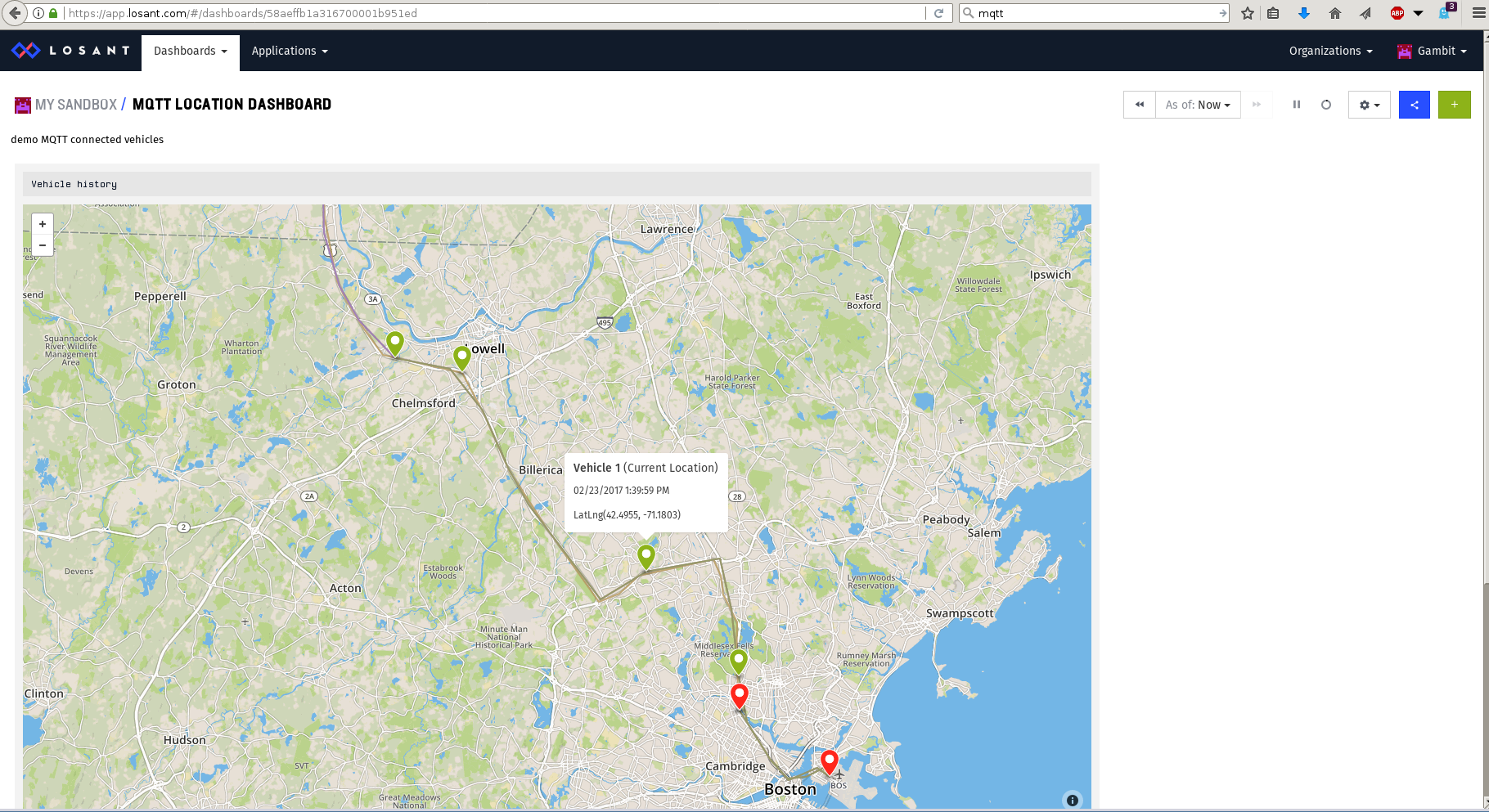 Losant with Vehicle Fleet Simulation
 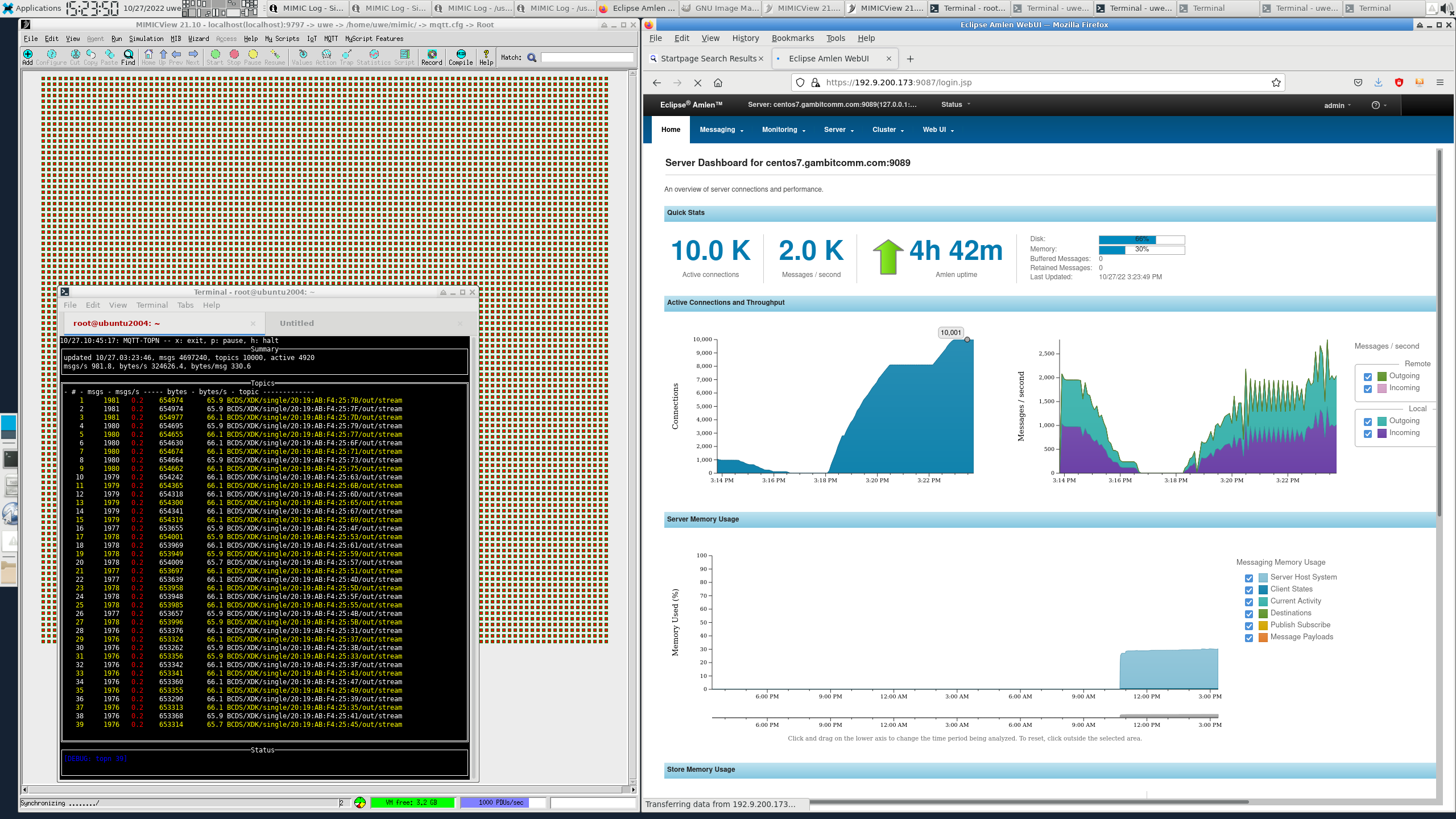 10,000 sensors to Eclipse Amlen
-
MQTT Simulator: MIMIC can simulate 100,000 MQTT 3.1, MQTT 3.1.1 or MQTT 5.0 based sensors and devices. Each one can be started or stopped individually or in a group. Each one has it's own IP address, Port and version. Once started, the device starts sending and responding to the MQTT requests to/from any broker or application from anywhere in the network.
- MQTTLAB.IOTSIM.IO: Cloud-based MQTT lab implemented with MIMIC. The portal gives access to entry-level labs for quickly connecting to common IoT platforms and features: AWS IoT, Sparkplug, MQTT5, etc.
-
MIMICShell: MQTT functionality can be controlled by MIMIC Command line interface.
- MIMIC API: MIMIC API in Java, C++, Perl, Python, Tcl, PHP, Javascript to programmatically control the simulations.
- MQTT Explorer: MQTT subscriber client to explore MQTT topics in your IoT Platform
Supported Platforms: Windows®, Linux and Amazon Cloud. (details)
If you are interested in creating your test lab with devices and topology, MIMIC Simulator Suite allows you to create SNMPv1, SNMPv2c, SNMPv3, NetFlow, sFlow, IPMI, Cisco IOS, Juniper JUNOS, Telnet/SSH based devices. You can simulate as many as 100,000 devices in a lab. It includes MIMIC Recorder to record your production network and duplicate it in your test lab.